Yes, I Can Run Akai MPC 3 on My Linux openSUSE Workstation
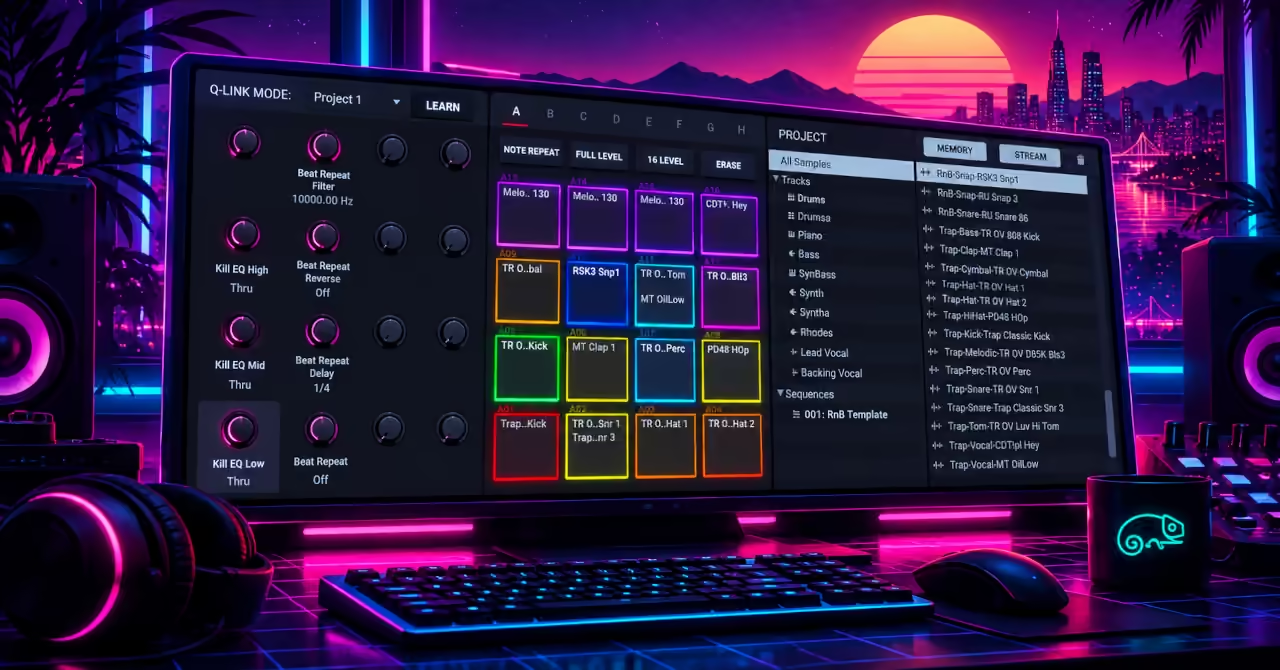
Running MPC 3 on openSUSE Tumbleweed
I am running Akai MPC 3 Desktop on my openSUSE Tumbleweed Linux workstation through Wine, and it has worked well so far. That is a pleasing result: I can explore the MPC software on the Linux computer I already use.
This article is an early report of that experience. I am still exploring the setup, so there is more to learn about how well its different features work.
The experiment also raises an interesting question. We often think of an MPC as a piece of music hardware with pads, knobs and a screen. How much of that instrument now lives in the software?
What Is MPC 3 Desktop?
Akai’s MPC family combines sampling, sequencing and music production. Sampling means recording or loading a sound so you can play it back. Sequencing means arranging notes and sounds into patterns. Those patterns can become the parts of a song.
MPC 3 Desktop brings that approach to a computer. You can work with sounds, build rhythms and arrange music on screen. The software is part of the wider MPC system, alongside Akai’s hardware instruments.
For me, the attraction is having that familiar approach to making music available on my Linux workstation. I want to spend time exploring sounds and building ideas.
My Setup So Far
I am running the Windows edition of Akai MPC 3 Desktop through Wine on openSUSE Tumbleweed. These are the system details recorded for this article.
| Part | What I am using |
|---|---|
| Operating system | openSUSE Tumbleweed, snapshot 20261021 |
| Music software | Akai MPC 3 Desktop for Windows; exact application version not yet recorded |
| Compatibility software | Wine 11.19 (package 11.19-1.2), with 32-bit support installed |
| Additional Wine tools | Wine Gecko 2.47.4, Wine Mono 11.3.0 and Winetricks 20260125 are installed. Their presence does not mean MPC requires them. |
| Linux audio system | PipeWire 1.6.9, with PulseAudio compatibility |
| Default system audio output | Behringer UMC204HD USB audio interface |
| System audio sample rate | 48 kHz at the time of checking; MPC's own sample rate and buffer settings have not yet been recorded |
The Behringer interface was the default output and was active when I checked the system. This confirms the Linux audio setup, but does not identify the driver or output selected inside MPC.
I have not yet documented the installation steps or any changes made during setup. This is a record of my current system rather than a complete installation guide. Results may differ with other software versions and audio devices.
How Wine Makes This Possible
A Windows application expects Windows to provide certain services, such as opening files, drawing windows and connecting to sound devices. Wine provides a way for many of those requests to work on Linux.
Wine is a compatibility layer. It does not require a complete Windows operating system running inside a virtual machine. Instead, it provides the interfaces that Windows programs expect and connects them to the Linux system underneath.
That makes Wine useful for trying software that has no Linux edition. However, each application still needs testing. One program may work easily while another has problems with sound, graphics or activation.
The Wine project’s explanation gives more background on how it works.
What Does “Running Well” Mean?
My experience so far is encouraging. The next step is to document it more closely. For music software, opening the application is only the beginning. It also needs to respond properly while you work and keep your projects safe when you save them.
A useful follow-up will record the results of these everyday tasks:
- Loading sounds and playing them.
- Building and playing back a sequence.
- Saving a project, closing MPC and opening it again.
- Exporting music to an audio file.
- Using a MIDI keyboard or pad controller.
- Loading any extra instruments and effects I want to use.
Sound, Timing and Controllers
One of the most useful things to check is latency: the delay between an action and the sound you hear. Press a key or tap a pad, and you want the sound to follow quickly enough that playing feels natural.
Sound settings can affect that delay. They can also affect whether playback is clear or interrupted by clicks and gaps.
Controllers deserve their own checks. MIDI carries musical instructions, such as which note you played and how hard you pressed the key. Getting those instructions into MPC is one task. Getting every button, knob or screen on a controller to work is another.
Extra software instruments and effects also need individual testing. MPC running successfully does not automatically tell us whether every plug-in will work through Wine.
Why Use My Linux Workstation?
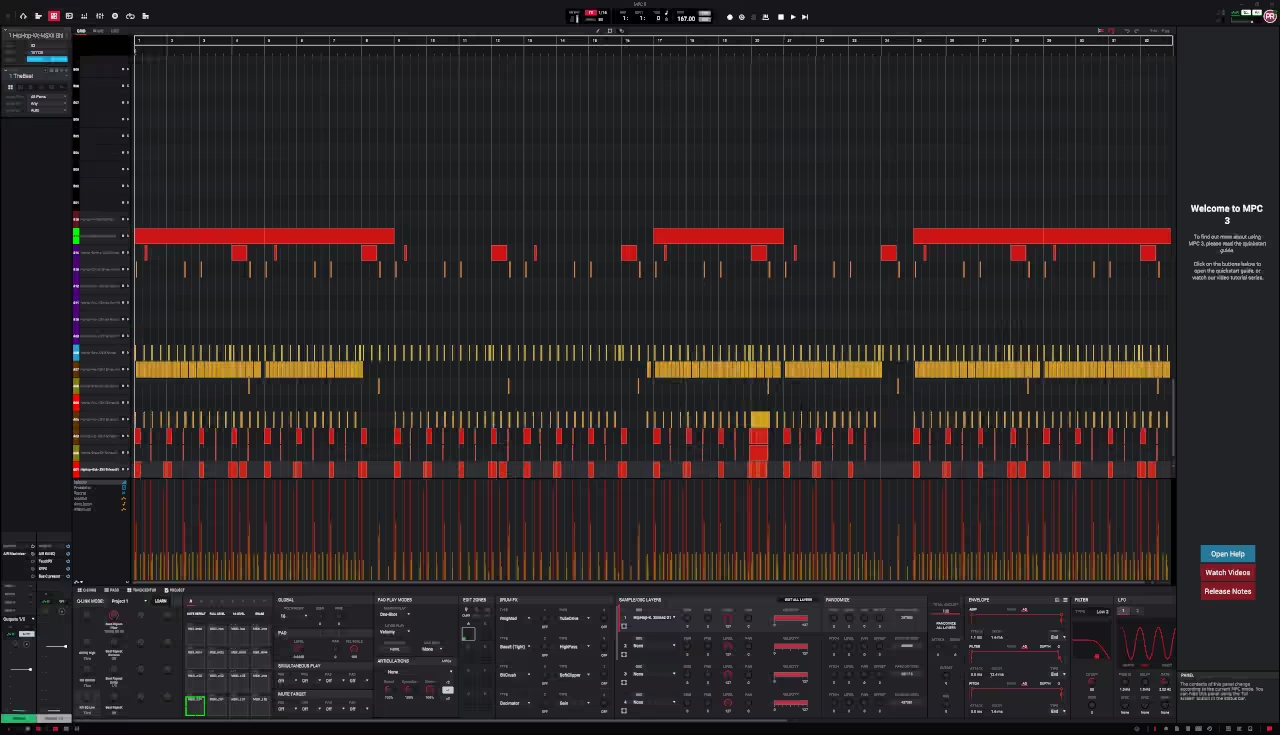
The simple appeal is convenience. My files, tools and everyday working habits are already on Linux. Running MPC there lets me explore another music tool in the same place.
openSUSE Tumbleweed is a rolling-release distribution. This means it receives new software through regular updates, rather than relying only on occasional major releases. The openSUSE documentation explains the system in more detail.
For this experiment, recording the versions that work will be useful. It gives me a clear reference if I later change the setup or need to investigate a problem.
The MPC Beyond Its Hardware
There is still something satisfying about a dedicated music instrument. Its controls are ready, its purpose is clear, and you can learn its layout through repeated use.
Desktop software offers another way into that experience. The screen, keyboard, controller and sound device become parts of the instrument. In my case, Linux and Wine are also part of the arrangement.
That is what makes this experiment interesting to me. A familiar music-making approach can find a place on a different computer system. The practical question is whether it helps me turn an idea into music.
An Encouraging Start
Akai’s MPC 3 Desktop FAQ lists Windows and macOS as its supported platforms. My Linux setup sits outside that official support.
Even so, my experience has been positive so far. I have MPC 3 running on my openSUSE Tumbleweed workstation, and that gives me a useful starting point for further exploration.
Featured Product
Analogue Computer Series 001 T-Shirt
Enjoy exploring what a machine can do beyond its original brief? The Analogue Computer Series 001 t-shirt celebrates that same curiosity. Inspired by mid-century analogue computing panels, signal paths and visible connections, its design echoes the spirit of the MPC community: get to know the hardware, work with its limits, and discover something new.

Writer's Notes
Reader Guide
The following material expands on the terminology, historical context, technical concepts, and related reading connected to this article.
Related articles…


References and Further Reading
- Akai Professional, “MPC 3 Desktop - FAQ” — support.akaipro.com
- Akai Professional, “MPC3 - FAQ” — support.akaipro.com
- Akai Professional, “MPC 3 Desktop” product page — akaipro.com
- WineHQ, “About Wine” — winehq.org
- openSUSE Documentation Project, “Tumbleweed documentation” — doc.opensuse.org
- openSUSE Documentation Project, “Pipewire” — doc.opensuse.org
Disclosure
This article combines the author’s firsthand experience running Akai MPC 3 Desktop through Wine on openSUSE Tumbleweed with published documentation and digital research and writing tools, including large language models. The author reviews and edits the content. Results reflect the author’s setup and early use; they do not confirm that every feature, plug-in or controller will work on other systems. Linux is outside Akai’s officially supported desktop platforms. The hero banner is an AI-generated illustration, not a screenshot of the working setup. Sources are linked where appropriate, and the article may be updated as testing continues. Any relevant commercial relationships, affiliate links or sponsorships are disclosed separately.